How To Use JXP Ai Video Generator
Complete JXP Getting Started guide: Master how to use JXP to create professional videos with our advanced AI video maker and video creation tool
Text to Video
Transform your ideas into videos with simple text descriptions
- 1
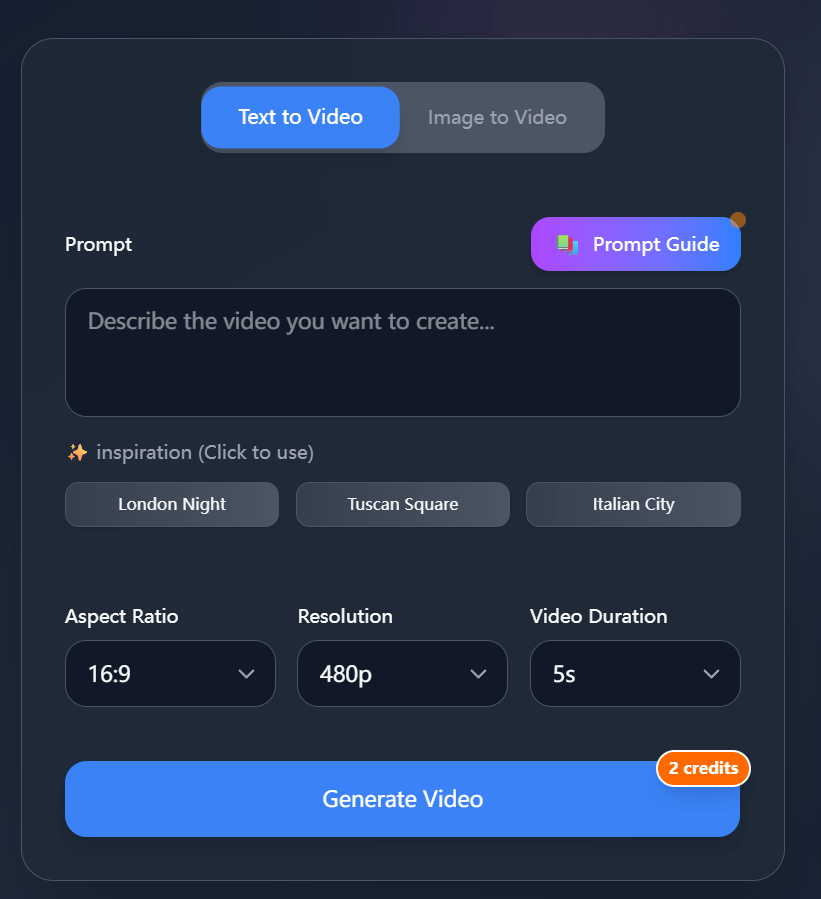
Choose Text to Video Mode
Go to the homepage and select Text To Video mode to start creating
- 2
Describe Your Ideas
Fill in your ideas in the Prompt input box. The more detailed your description, the better the results
- 3
Select Video Generation Settings
Aspect Ratio: Controls the video aspect ratio, Resolution: Controls video quality, Video Duration: Controls video generation time

- 4
Click Generate Video Button
Click 'Generate Video', wait for the video generation result, then download or share your created video
Image to Video
Convert your images into dynamic videos with AI magic
- 1
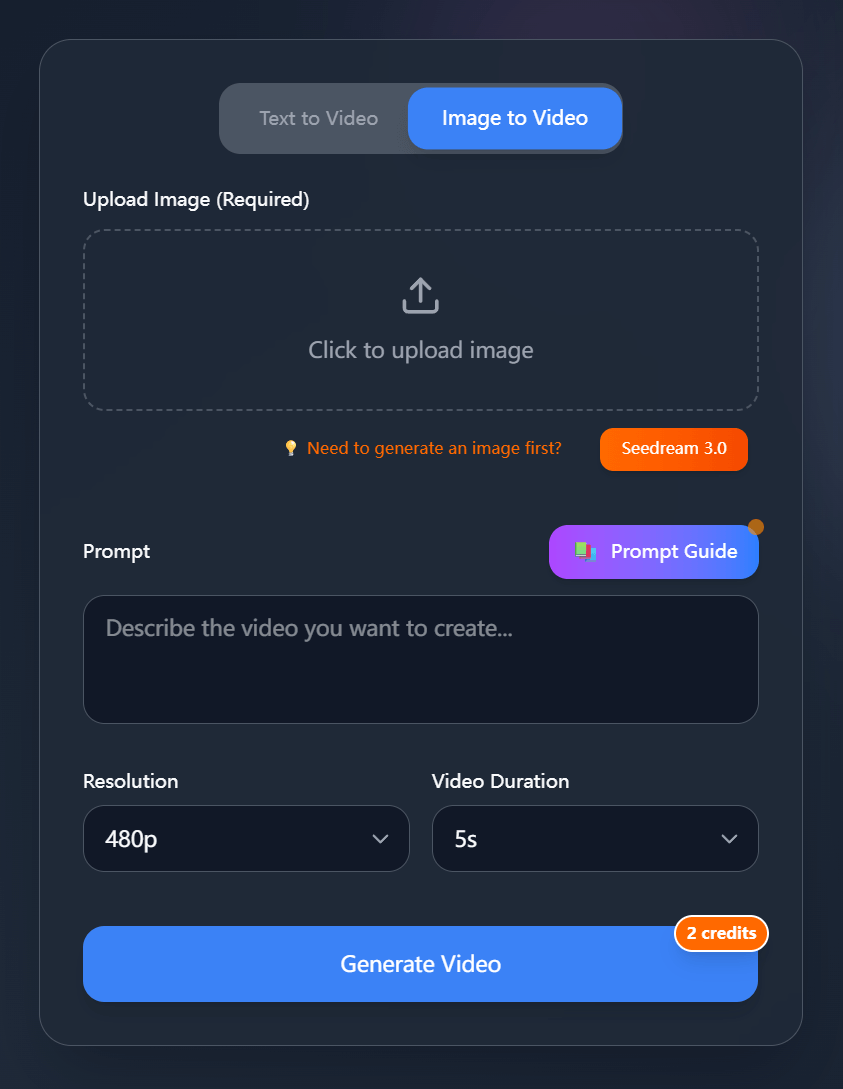
Choose Image to Video Mode
Select image-to-video mode to start creating
- 2
Upload Image
Click the upload area to select the image you want to create a video from
- 3
Describe Your Ideas
Fill in your ideas in the Prompt input box. The more detailed your description, the better the results
- 4
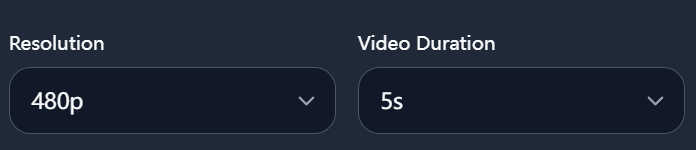
Select Video Generation Settings
Resolution: Controls video quality, Video Duration: Controls video generation time
- 5
Click Generate Video Button
Click 'Generate Video', wait for the video generation result, then download or share your created video
Unleash Your Imagination In JXP
Join the future of AI video generation with JXP AI's powerful platform. Transform your text and images into stunning videos with unprecedented ease and quality.